Office chair buying guide: what to look for before you spend a cent
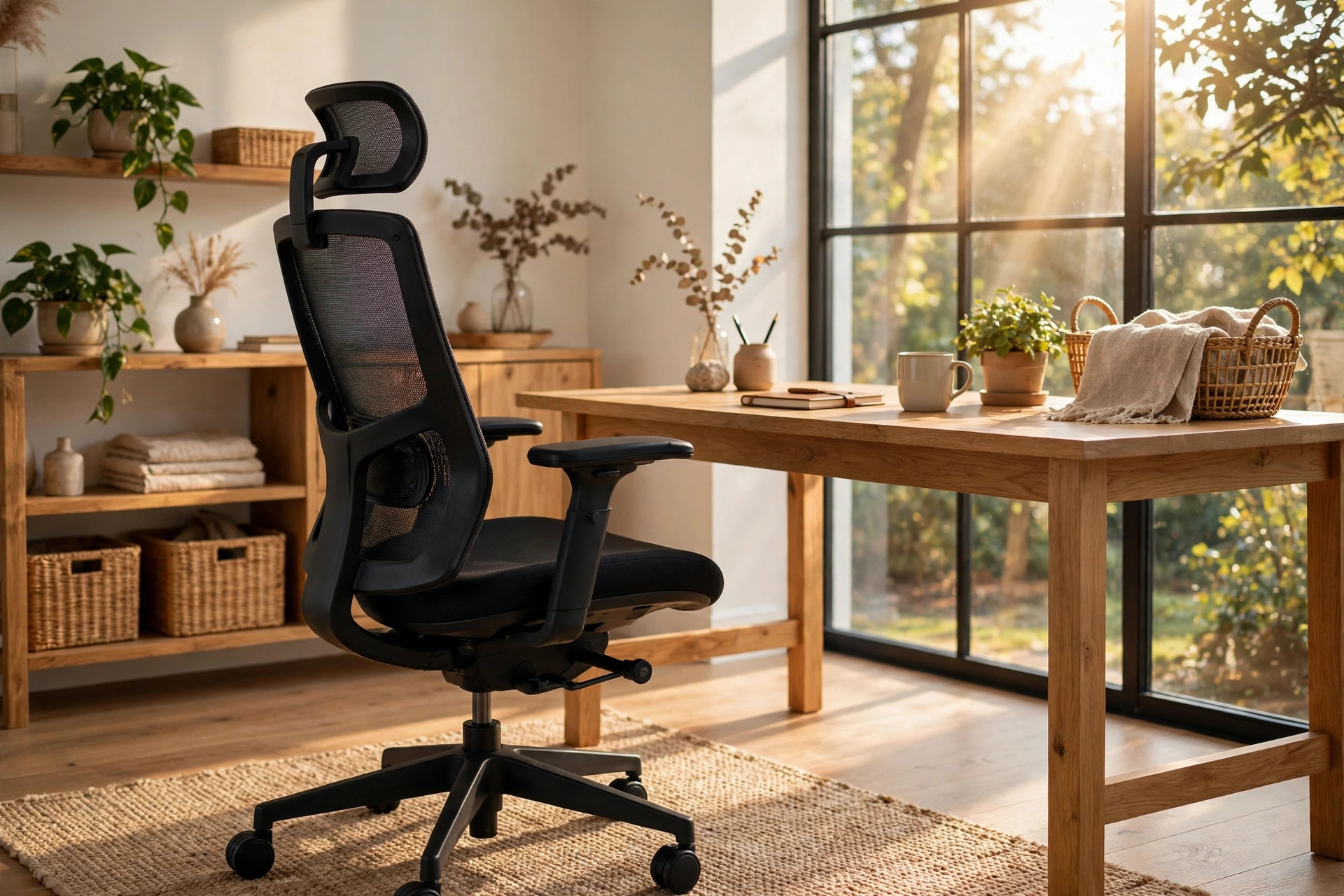
A note up front: this is general buying guidance, not medical advice. If you have back pain or an injury, talk to a clinician before choosing seating to manage it.
Most chair buying guides hand you a feature list and call it done. The problem: the best-reviewed chair in the world is worthless if it doesn't fit your body and your desk. This guide works the other way around — measure first, then shop, then test.
Measure before you shop (your body, your desk, your floor)
Three measurements prevent 90% of bad chair purchases:
- Your sitting height. Sit on a hard chair with feet flat and measure from the floor to the underside of your thigh, just behind the knee. The chair's seat-height range must include this number. (For reference, most ergonomic chairs adjust roughly 16 to 21 inches — check that your number falls inside the range, especially if you're shorter or taller than average.)
- Your desk clearance. Measure from the floor to the underside of your desk, then check the chair's armrest height range. If the armrests can't go low enough to slide under the desk, you'll sit too far from your keyboard. This is the most common fit failure in home offices, and it's entirely preventable.
- Your floor type. Hard floors need soft wheels (hard-plastic casters can scratch wood and laminate); carpet works with standard casters. Check what the chair ships with before you buy, not after.
Also note your weight against the chair's rated capacity — mechanisms are tuned for a weight range, and tilt tension matched to your weight is one of the first things experienced buyers check.
The features that matter, in priority order
Not all adjustments are equal. Ranked by impact:
- Adjustable lumbar support. The most important feature. It must fit the natural curve of your lower back — adjustable up/down and ideally in/out, not a fixed bump. Seated, your upper body should recline slightly (around 95 degrees or more) with the support contacting your lower back.
- Seat height adjustment. Non-negotiable: feet flat on the floor, hips level with or slightly higher than knees.
- Seat depth adjustment. Fit two to three fingers between the seat front and the backs of your knees while using the backrest. Too deep presses into your thighs; too shallow leaves them unsupported. A lumbar cushion can shorten the effective depth if the seat pan doesn't slide.
- Quality recline mechanism. Controlled recline with tension matched to your weight encourages movement through the day and beats a simple on/off tilt lock.
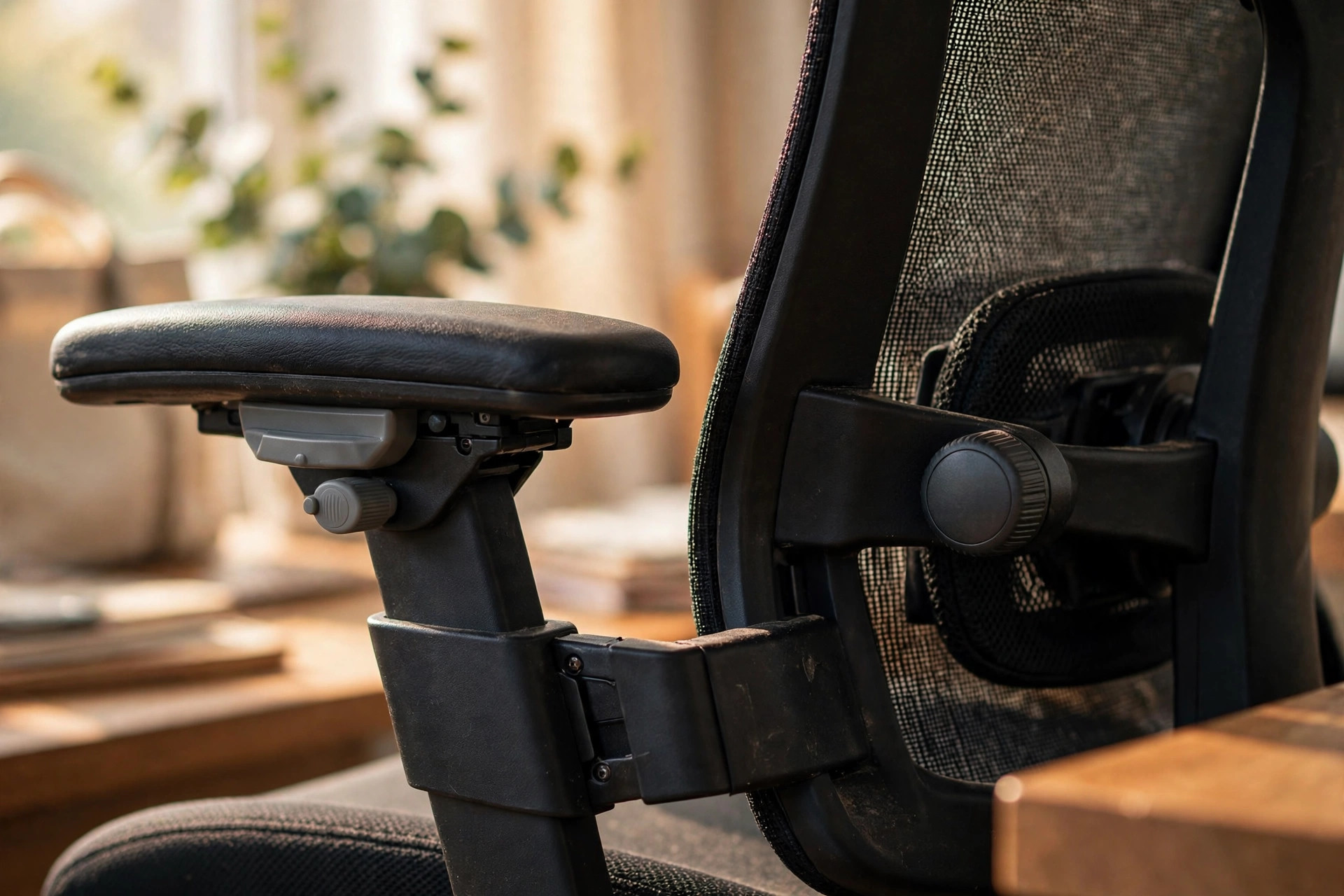
- Adjustable armrests. Height-adjustable at minimum, so elbows rest near desk height with shoulders relaxed. If one shoulder feels propped up while typing, lower that armrest rather than forcing the other side to match.
- Breathable, durable materials. Mesh backs ventilate; sufficient padding keeps you comfortable. Both beat soft plush foam, which feels great in a showroom and compresses within a year.
Seat width around 17 to 20 inches suits most people. Classic buying mistakes: choosing on appearance, mistaking softness for support, ignoring seat depth, overvaluing headrests, assuming more adjustments means better ergonomics. Fit beats feature count.
The 5-minute sit test: how to try a chair properly
In a showroom or during a home trial, work through this sequence. If the store won't let you adjust everything, that's information too.
- Set the height first. Feet flat, hips level or slightly above knees. If the chair can't get you there, walk away.
- Find the lumbar. Slide it to your lower back's curve. You should feel contact without pressure — a ridge pressing one spot means it's at the wrong height for you.
- Check the seat edge. Two to three fingers of clearance between the seat front and the backs of your knees.
- Recline and type. Lean back slightly and mime typing. If reclining feels good until you "type," the geometry is wrong for real work.
- Move the arms. Drop them low enough to clear your desk, then raise them to support your elbows. Stiff, tool-required adjustments won't get used.
- Sit for five minutes. Is anything already annoying? Pressure points announce themselves early — comfort that fades in five minutes won't survive five hours.
What success looks like: you can name how you'd set every adjustment for your body, nothing presses where it shouldn't, and the chair disappears under you. If you're still noticing the chair, keep looking.
Durability signals: will it last 10 years?
A well-built office chair can last 8 to 12 years in home use; cheap ones die through foam compression, mechanism wear, or frame wobble far sooner. Since you can't see inside the mechanism, check these proxies:
- Warranty length. Look for a written warranty of several years, not a few months — the warranty is the manufacturer betting on its own build quality.
- Return window. At least 30 days. Five minutes in a showroom won't tell you if a chair fits your spine; two weeks of real workdays will.
- Replacement parts. Ask whether the gas cylinder, casters, and arm pads are replaceable. A chair designed to be repaired is a chair designed to last.
- Mechanism feel. Every lever and knob should move smoothly and lock positively. Gritty or vague adjustments preview year-two failure.
Match the chair to your hours: under four hours a day, a simple task chair with the core adjustments is plenty. Full-time desk work earns the full checklist — and if you're also considering a standing desk, prioritize a wide height range so the chair drops low enough for the desk's sitting position.
FAQ
Are expensive chairs worth it? Price correlates with adjustability and durability, not comfort. A mid-range chair that fits you beats a premium one that doesn't — the measurements above matter more than the price tag.